405 errors in web scraping: why your browser works
October 27, 2026
web scraping troubleshooting, Web Scraper Cloud, bot challenges, browser sessions, HTTP errors
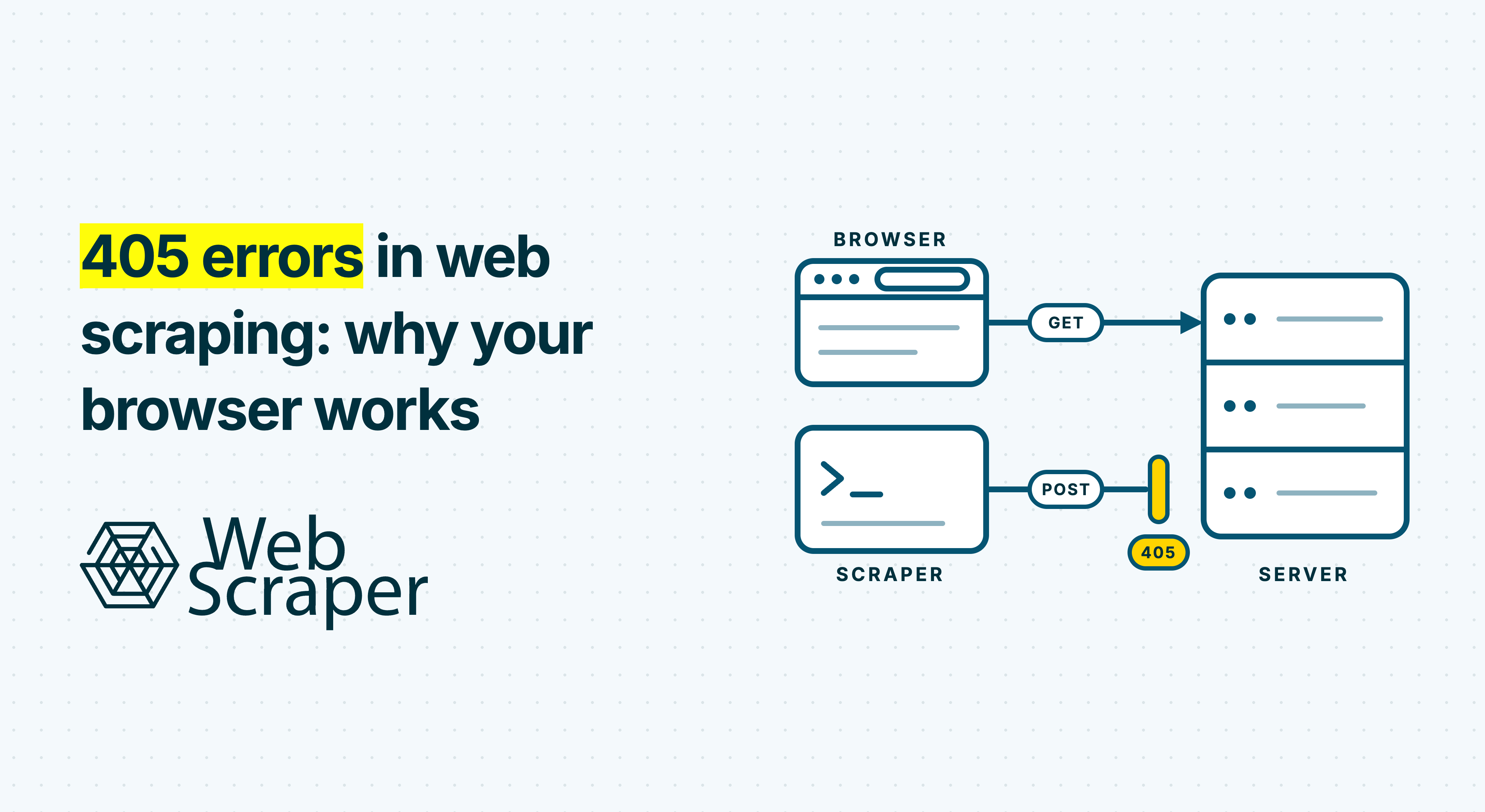
A 405 Method Not Allowed response normally means that the requested resource does not support the HTTP method used. During web scraping, a security layer can also return 405 before the request reaches the page. AWS WAF, for example, uses this status for its CAPTCHA action.
The page opening in your browser does not settle which explanation applies. Your browser may send a different request, carry accepted session state or complete a verification flow. Compare the actual requests and responses before changing the scraper.
What a 405 error means when web scraping
RFC 9110 defines 405 as a method recognised by the origin server but unsupported for the requested resource. The origin server must include an Allow response header listing that resource's currently supported methods.
For example, a script accidentally sends POST to a page that accepts GET, producing this illustrative response:
HTTP/1.1 405 Method Not Allowed
Allow: GET, HEAD
That supports investigating a method or routing mismatch. Confirm the intended endpoint and its documented method.
There is also a documented security use. When an AWS WAF CAPTCHA action matches a request without a valid, unexpired CAPTCHA token, it prevents the request from reaching its destination and returns 405 with:
x-amzn-waf-action: captchaIf the request accepts HTML, the response can include a JavaScript CAPTCHA interstitial. AWS explicitly documents this behaviour for GET requests, so the method can be correct while the security layer intercepts the request.
A bare 405 does not identify AWS or any other provider. An absent Allow header does not prove bot protection either. Inspect the response headers, body and request context together.
Why your browser still opens the page
A successful browser visit is a useful comparison, but several details may differ from the scraping job.
Your normal browser may already hold cookies or a token from a completed verification. AWS, for example, documents a token stored in a cookie containing verification timestamps and client information. Its tokens can distinguish sessions sharing the same IP address. Changing the IP therefore tests one variable while leaving others unresolved.
The final browser screen can also hide an earlier verification response. AWS describes a flow in which successful CAPTCHA completion updates the token and resubmits the original request. The page then opens, while another session may remain at the initial response.
Other useful comparisons include the exact URL, redirects, network location, JavaScript execution and request volume. One manual visit does not reproduce several simultaneous collection jobs.
A browser-based scraper can still receive a challenge. Browser execution helps with JavaScript-dependent content; access also depends on the target's response to that session. See why websites block scrapers for the wider context.
Find the request that actually returned 405
Open Chrome DevTools before loading a representative affected URL. In Network, enable Preserve log, then reload. Disable cache helps compare fresh network responses while preserving cookies and verification state.
Select the relevant request and inspect its URL, method, status, response headers and body. Chrome's Network reference explains these views.
Identify which request failed:
| Failed request | What to investigate |
|---|---|
| Main document | Compare the page navigation's method, redirects, headers and returned HTML. |
| Product-data Fetch/XHR | The application shell may open while a request needed for products or prices fails. Inspect that response separately. |
HEAD probe |
The diagnostic tool tested a different method from a normal page fetch. Compare with GET. |
Cross-origin OPTIONS preflight |
Investigate the browser's cross-origin check and the site's handling of it. |
| Unrelated asset or analytics request | Establish whether it affects the required data before treating it as the scraping failure. |
Match the full path and query string in the successful and failed samples. Record the method, status, final URL, relevant headers and body, timestamp, and execution environment. Check the failing redirect hop too.
If you use a separate scraping API, establish whether the 405 came from its API endpoint or the target website. Those require different fixes.
The Fetch standard specifies OPTIONS for a CORS preflight. A browser console CORS message can also accompany a security response: AWS documents that its CAPTCHA responses omit CORS headers. Inspect the underlying response where available. These browser access checks are separate from a server-side HTTP client receiving 405.
Check the method with a GET probe
One diagnostic trap is curl -I. The curl documentation confirms that -I sends HEAD. A 405 from that probe does not establish what a normal GET returns. HEAD also provides no response body to inspect.
For a public page you are authorised to request, this bounded GET probe saves headers and content separately:
curl --silent --show-error --compressed \
  --location --max-redirs 5 \
  --connect-timeout 10 --max-time 30 \
  --dump-header response-headers.txt \
  --output response-body.txt \
  --write-out 'status=%{http_code}\nfinal_url=%{url_effective}\n' \
  'https://example.com/product/123'
Replace the example URL with the exact affected page. The header file includes responses along the redirect chain. This tests an HTTP-client request; it does not execute page JavaScript or inherit your browser's session.
If the scraper uses an incorrect method or route, correct that configuration. Avoid switching a product-page request to POST simply because it returned 405. Use the intended operation, supported by the endpoint's documentation or observed legitimate workflow.
Classify the response before choosing another change:
- A method-specific application error and an appropriate
Allowheader support investigating the method or route. - A documented provider marker, such as the AWS header above, together with the expected security response supports identifying that action.
- Generic verification text suggests a challenge, but does not establish its provider or rule. An unfamiliar response without decisive evidence should remain unclassified.
When several scrapers fail at once
Consider an illustrative catalogue workflow: product pages scrape successfully, then several jobs begin receiving the same 405 page. The products still open manually, the site's XML sitemap remains accessible, and a controlled test from another network also fails.
Those observations narrow the investigation:
- Several jobs fail together: investigate shared application routes, security responses and configuration. The timing alone does not prove an anti-bot update.
- The XML sitemap works: that resource remains reachable. Product pages may follow different routes or security rules.
- Another network fails too: a problem limited to one exit IP becomes less persuasive. A shared client characteristic, session problem or endpoint rule remains possible.
- The browser works: at least one request sequence reaches the product. Capture that sequence to identify the relevant difference.
These are diagnostic interpretations, not confirmed causes. Group responses by time, path, method and returned template. Compare an earlier successful response with a failed one where possible.
A failure beginning after sustained traffic may justify testing a lower request rate. It does not turn 405 into 429 Too Many Requests, reveal a threshold or prove a permanent ban.
Test the smallest change supported by the evidence
Choose a representative failed page and a known-good page where available. Record the starting configuration, then change one relevant variable:
- For a method mismatch, test the intended method and exact route.
- For a rendering-dependent workflow, test browser execution and check whether the expected content appears.
- For a state-dependent difference, compare established and fresh browser sessions under otherwise comparable conditions.
- For failures associated with sustained traffic, pause the workload and test lower aggregate request rate and concurrency.
Count traffic across all jobs using the target. Slowing one job may make little difference while several others continue requesting pages.
Keep a brief experiment log containing the configuration, timestamp, response classification and extracted result. Bound retries and pause persistent failures. Another thousand identical requests will mostly give you a larger log.
If persistent access controls prevent the required workflow, discuss an approved access route with the operator or use a supported API or licensed source.
Diagnose 405 errors in Web Scraper Cloud
For an affected job, open Inspect and review the failed URLs, failure reason, screenshot and returned HTML when captured. The page-outcome documentation notes that Fast driver jobs do not produce screenshots.
Use these artefacts to establish what page arrived. For request methods, response headers or a particular background request, use a DevTools trace, an appropriate separate probe or support diagnostics alongside the Cloud evidence.
Build and validate the sitemap in the browser extension, then test the same sitemap version and start URL in Cloud. The Cloud troubleshooting guide covers comparing environments. Fast extracts returned HTML without page JavaScript; FullJS executes JavaScript and supports browser interactions. Choose the driver required by the workflow, then inspect the result.
Keep request interval and page-load delay separate. Request interval controls spacing between page requests. Page-load delay allows time before extraction. Increase the latter when evidence shows that required content arrives later; extra waiting alone does not repair an unsupported method or establish required access state.
After access recovers, validate product identifiers, required prices and record counts across representative pages before restarting the full workload. A change from 405 to 200 can still leave an incorrect response or incomplete dataset. Continue with diagnosing 200 OK responses with no usable data if that happens.
If the cause remains unresolved, provide support with representative URLs, job IDs, timestamps including the time zone, and redacted response samples. Remove cookies, tokens and unnecessary personal data before sharing traces.
Test a representative workflow in Web Scraper Cloud, inspect its page outcomes and confirm the required records before scheduling recurring collection.