AI browser traffic jumped 4.7×. What does that mean for web scraping?
October 29, 2026
crawler identity, bot detection, AI agents, AI browser traffic, web scraping
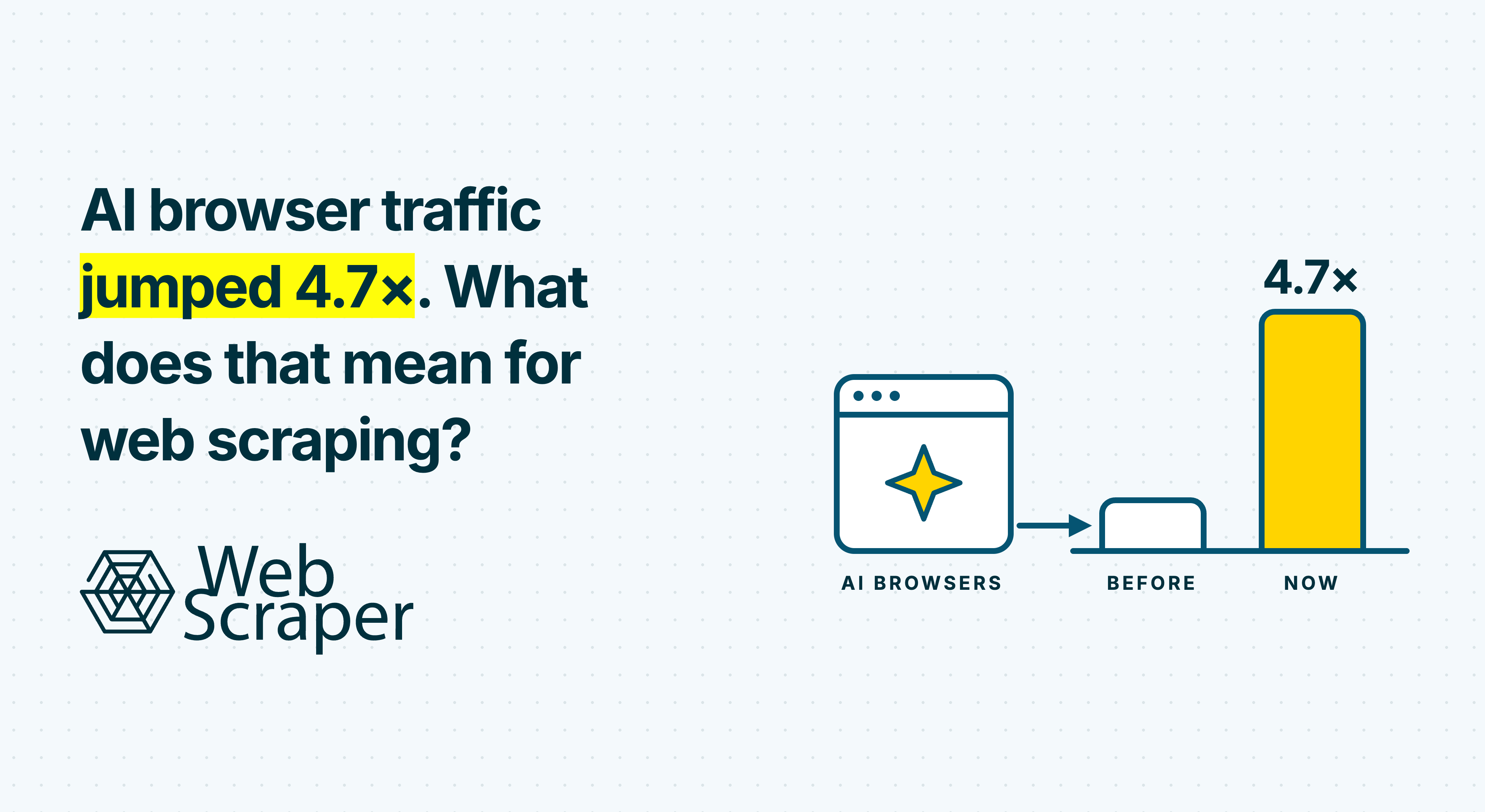
DataDome’s report published on 15 October 2026 recorded a 4.7× rise in agentic browser requests across its network in September.
For web scraping teams, this raises a practical question: how does a website distinguish an assistant checking a product from a search crawler indexing it or a company collecting its price every morning? Those activities can overlap. Sites need evidence about the operator and its behaviour, then a policy for the requested activity.
What the AI browser traffic figure measures
Requests rose from 12.5 million in August to 58.2 million in September. The figures cover DataDome’s network and count requests, not unique users or completed tasks.
Its browser-driven category includes Meta’s Muse, which operates with a browser inside a dedicated cloud virtual machine. A person’s task can therefore reach a website from cloud infrastructure.
The report does not measure web-wide traffic or commercial scraper success. It also does not isolate new adoption from changes in observation and classification. Forecasting blocking rates or collection costs from this multiplier would require separate evidence.
Assistants, crawlers and commercial scrapers overlap
A browser is an execution environment, an assistant has a role in a user-directed task, and commercial scraping describes a collection purpose. These labels can apply to the same workflow.
| Dimension | Question | Examples |
|---|---|---|
| Purpose | What is the information for? | Search discovery, a user’s answer, model training, catalogue monitoring |
| Execution | How does the tool retrieve it? | An HTTP client, browser rendering, a browser controlled by an AI model |
| Operator and user | Who runs the service and who initiated the task? | A crawler operator, a company’s data team, a consumer using an assistant |
| Authority | What scope has the website permitted? | Defined public-page access, an agreed collection workload, authenticated account actions |
An assistant comparing three products extracts names, prices and availability. Ask it to collect those fields across a catalogue every morning and the work also becomes recurring data collection. AI involvement does not place that collection outside web scraping. Equally, retrieving a page for a user does not establish that its contents will train a model.
This overlap appears in actual bot classifications. Cloudflare’s current documentation lets a tracked bot have several behaviours, including Search, Agent, Training, Transact and Data Collection. It also distinguishes Direct operation by a single operator from Intermediary services used by many end users. A recognised service can carry requests from people with different goals.
What websites can verify
A request contains technical evidence, but it does not arrive with a trustworthy explanation of every intended use. Websites have to combine identity checks with observed activity.
A declared name needs verification
A User-Agent header claiming a recognised crawler is a claim from the client. Google documents verification through published IP ranges or a reverse DNS lookup followed by a forward lookup that resolves to the original address. The correct ranges and hostname patterns depend on the crawler or fetcher being checked.
Operator verification, a user’s instruction and the website’s permission establish different things. Recognising an assistant service does not establish an end user’s authority to place an order. A user asking for a catalogue does not establish the website’s agreement to provide it.
Behaviour adds context
Cloudflare documents detection engines using heuristics, JavaScript and machine learning, with inputs including headers, session characteristics and browser signals. Those inputs help assess automation; they do not directly reveal why someone wants the resulting data.
A shopping assistant and a price monitor can both request a product page, run JavaScript and select a variant. Repeated visits across the catalogue give the website more evidence about the workload. The network location and session history add context, while downstream reuse can remain unknown.
Browser rendering solves an execution problem when JavaScript creates the required content. Running a browser does not establish what the website permits. Our guide to why websites block scrapers examines the wider detection and policy decisions.
One retailer, several access decisions
Consider a hypothetical retailer with public product listings.
A verified search crawler visits to keep an index current. The retailer values discovery and permits that indexing scope. A shopping assistant then checks a few products for a customer. The retailer allows those reads while applying separate controls to account creation and checkout.
A third client collects the catalogue every morning for a pricing dataset. The retailer evaluates its volume and reuse against its policies or a collection agreement. It might offer that collector a feed, restrict its requests or refuse the proposed scope.
All three clients may extract the same price from the same URL, despite differences in identity, frequency and their relationship with the retailer. The retailer could also welcome an agreed collector while refusing assistants. There is no universal rule giving an assistant more access than a scraper.
Access to one product does not establish access to the next thousand. A successful assistant lookup tests one session and task, while a recurring pipeline needs evidence that its intended workload remains supportable.
What this means for recurring web scraping
More browser-driven automation gives websites a reason to distinguish operators and activities more carefully. This is an interpretation of the traffic growth; the report does not measure an increase in restrictions. Data teams can respond by making collection requirements and test results explicit.
Test the route that will run in production
If an assistant reaches a page but a scheduled scraper fails, compare their execution environments. Network origin, cookies, geography, request frequency and page state can differ. A local lookup is insufficient evidence for a remote collection job.
Test representative detail pages, listing pages and later pagination through the intended production route. Confirm that it reaches the required fields at the planned workload. Use browser rendering when the content requires it, and measure the complete job before increasing coverage.
Define the collection scope
Record the sources, page types, fields, frequency and permitted interactions. Review the applicable crawler rules and any agreement for that use. RFC 9309 explicitly states that robots rules are not access authorisation; our guide to robots.txt and web scraping explains that boundary.
A successful assistant lookup does not establish an agreement for a separate collection workflow. If the required scope is refused, look for an agreed API, feed, export or licensed source. Changing the request label cannot resolve a disagreement about the collection itself.
Validate the dataset after access succeeds
Retain the requested and final URLs, collection time and validation result so a failed run can be compared with a successful one. For prices, check product identity, variant and currency as well as the numeric value.
A response can succeed while containing a login shell, challenge or the wrong regional content. Preserve a failing sample before changing the configuration. The 200 OK but no data diagnostic explains how to separate those failures. A completed scraping job and a correct dataset are separate outcomes.
Use a tested workflow for repeated collection
When known public pages need the same fields collected repeatedly, a configured scraper gives the team a workflow it can test and reuse. Build and test a sitemap with the Web Scraper browser extension, then use Web Scraper Cloud to schedule that sitemap and monitor data quality.
That workflow fits recurring product, listing and directory datasets. Large projects behind login need a different assessment of access and product fit. For a public catalogue monitor, start with a representative sample and confirm that each run produces comparable records before expanding the schedule.