What data can you extract from a website?
September 11, 2026
data quality, no-code scraping, web scraping, dataset design
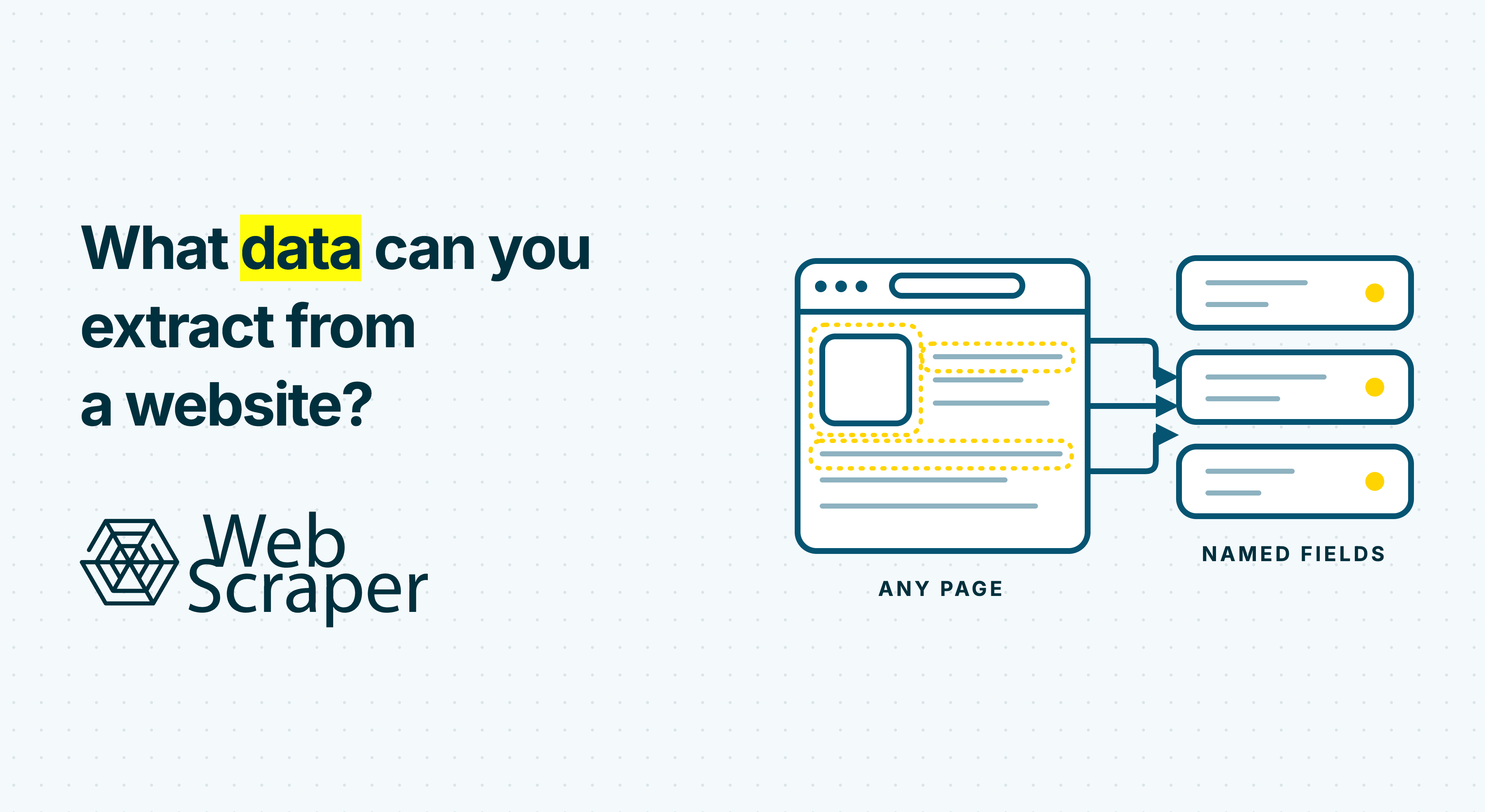
You can extract visible text and numbers, links, identifiers, media URLs, tables, repeated listings, HTML attributes, metadata, embedded structured data, browser responses and information revealed after interactions. The boundary is what the website delivers in a permitted, reachable page state.
The more useful question is what records you need and whether the website exposes every field required to build them accurately. A scraper can collect every visible price on a page and still produce the wrong dataset if it misses variants, mixes seller offers or omits the region and collection time.
Website data you can extract at a glance
| Data category | Examples | Where it may be found | Main caveat |
|---|---|---|---|
| Visible text and numbers | Names, descriptions, prices, dates, ratings, stock messages, addresses | Initial HTML or rendered page text | The first matching number may be an old price, rating count or unrelated value |
| Links and identifiers | Detail URLs, canonical URLs, SKUs, listing IDs, GTINs, email and telephone links | href, page text, URL paths, attributes or metadata |
A page URL is not always the most stable entity key |
| Media references | Image URLs, thumbnails, captions, alt text, video poster URLs, dimensions | src, srcset, lazy-load attributes or metadata |
Extracting a URL is different from downloading or analysing the file |
| Tables and repeated lists | Product cards, search results, specification rows, event schedules | HTML tables, list items or repeated page elements | A visual row can contain several entities or irregular cells |
| Attributes and metadata | data-id, aria-label, canonical URL, Open Graph fields, language, timestamps |
Element attributes and non-visible meta or link elements |
Metadata can be stale or describe a default state |
| Embedded structured data | Product, offer, job or organisation fields | JSON-LD, microdata or serialised application state | Clean structure does not guarantee complete or current data |
| State-dependent data | Variant prices, local availability, filtered results, later result batches | Rendered page or supporting responses after clicks, scrolls or selections | Every required state must be reached and identified deliberately |
| File and document references | PDF brochures, spreadsheets, datasheets, filenames and file types | Page links and response metadata | Parsing the document is a separate extraction task |
| Context and provenance | Source URL, collection time, locale, seller, selected variant, page number | Page values plus scraper context | Without context, identical-looking values may not be comparable |
A product page may display “In stock” while exposing a SKU in an attribute and a product object in JSON-LD. These sources may disagree, so the extractor needs the right representation and property.
A website can expose the same data in five layers
A modern page is not one static document. Before deciding that a value is extractable or missing, check where it exists.
- Initial HTML: The first response may contain records, links, metadata and embedded scripts. It is usually the simplest source when it contains every required field.
- Rendered DOM: JavaScript can add, remove or change elements, so the visible page may differ from the downloaded HTML.
- Embedded data: JSON-LD or application state may appear inside the document. JSON-LD can be embedded in HTML, but it may not be a complete or current record.
- Supporting responses: Fetch, XHR or GraphQL requests may return more data. A response visible in developer tools is not automatically an authorised public API and may depend on session state.
- Interaction-created state: A colour selection, postcode, tab, filter, scroll or Load more action can create new values and records.
Suppose a shoe page initially shows €120. Selecting size 42 changes its SKU, availability and price. Extracting the initial price describes the default page, not every size. The workflow must reach each relevant state and attach its variant ID to the observation.
Trace one distinctive value through the page and choose the least complex source that repeatedly supplies the complete record. Our guides to finding where a website gets its data and JavaScript-rendered content explain how to investigate the source and state.
Define the record before choosing fields
“Scrape this website” is not a data specification. First decide what one output row represents.
An online shop with one product page, four colours and six sizes could produce:
- one row per product, with variations stored in a nested field;
- one row per product variation;
- separate product and variation tables joined by a product ID; or
- one observation per variation, seller, location and collection time.
These structures answer different questions. If price and availability vary by size, one row per page can mix several states into a record that never existed on the website.
A recurring price record might contain:
| Field | Purpose |
|---|---|
product_id |
Joins variations belonging to the same product |
variant_id or sku |
Identifies the selected colour, size or configuration |
seller_id |
Separates offers from different sellers |
price_text |
Preserves the exact observed value |
price_amount and currency |
Provide normalised analytical fields |
availability_text |
Preserves the published stock message |
source_url |
Supports traceability and rechecking |
observed_at |
Turns the value into a time-stamped observation |
region and selected_state |
Explain localisation and interaction context |
Identifiers deserve priority. Titles change, while URLs may contain tracking parameters or mutable slugs. An SKU, listing ID, job ID or property ID is often a better key. HTML data attributes commonly hold such identifiers. If no stable ID exists, document a composite key.
Examples of extractable data by industry
The fields should follow the decision the dataset will support.
| Use case | Possible entity and fields | Important question |
|---|---|---|
| E-commerce monitoring | Product, variant, brand, SKU, GTIN, price, promotion, stock, image URL | Does the price belong to the default product, a selected variant, seller or region? |
| Marketplace analysis | Listing ID, title, seller, condition, price, delivery, location, posting time | Is one row a listing, the underlying item or a seller offer? |
| Job-board collection | Job ID, title, employer, location, workplace type, salary text, date posted, application URL | Is the job remote, multi-location or duplicated across several URLs? An unpublished salary should remain missing, not estimated. |
| Real-estate tracking | Listing ID, address, coordinates, asking price, area, rooms, agent, date listed | Is one row a property, an active listing or a dated price observation? |
| Business directory research | Company, category, address, service area, website, public contact channel, opening hours | Is the entity a company or a branch, and is the intended use of contact data appropriate? |
Schema.org definitions for products and job postings can suggest useful fields. They are not proof that every page publishes those fields or that its structured markup matches the current on-screen state.
Extracting files is not the same as extracting their contents
A website may link to PDFs, spreadsheets, images or other files. The page can expose the file URL, anchor text, nearby title or date, apparent extension and source page. The response media type can help identify what the link returns.
That creates a document inventory. It does not extract tables from a PDF, read a scan, transcribe video or interpret a diagram. Those tasks need a suitable parser, OCR system, transcription service or document model, plus validation for layout, encoding and scan errors.
The same distinction applies to images. A scraper can collect an image URL, alternative text and caption. Recognising a logo, product colour or object in the pixels is downstream inference.
Extraction, normalisation, derivation and inference are different
Separating these operations makes errors easier to diagnose and the data easier to audit.
| Stage | Example | What happened |
|---|---|---|
| Observed source | €1.299,00 beside size 42 |
The website displayed a value in a defined state |
| Extraction | price_text: "€1.299,00" |
A selector copied the source value into a field |
| Normalisation | price_amount: 1299.00, currency: "EUR" |
Formatting was converted into a consistent schema |
| Derivation | price_per_m2 = price_amount / floor_area |
A new value was calculated from extracted fields |
| Inference | price_segment: "premium" |
A rule or model added an interpretation the source did not state |
Keep the raw value alongside transformed data where practical. If 1.299 becomes 1.299 instead of 1299, the source string, locale and transformation rule make the error traceable.
Empty does not mean zero, false or unavailable unless the source defines it that way. It may indicate an optional field, another template, a failed interaction, blocked content or a broken selector.
How to tell whether the dataset is correct
A finished scraping job is not proof of a correct dataset. Validate the output against its intended entity and page state.
Check coverage
Confirm that the workflow reached the intended categories, pagination batches, detail pages and interaction states. Test later result pages, empty results, discounted products, multiple variants and recently removed listings.
Check completeness
Measure population for required fields and inspect missing values by page template. Ten per cent missing prices means something different when those products are unavailable than when their prices load after JavaScript.
Check identity and duplication
Test stable IDs, composite keys and repeated URLs. Recommendations, overlapping pagination and variant interactions can create duplicates even when every step completes.
Check state consistency
Verify that the price, SKU, seller, currency and availability belong to the same variant and location. Preserve those state values as fields rather than relying on execution order to explain them later.
Check provenance, freshness and change tolerance
Store the source URL and collection time, plus locale, market and page template when they affect meaning. Compare a sample directly with its source, then repeat the extraction to expose brittle selectors or changing layouts.
A successful response can still contain a sign-in page, empty application shell, access challenge or the wrong regional representation. Use the 200 OK but no data diagnostic before treating an empty result as a real absence.
What cannot be extracted reliably or appropriately?
Some limits are technical. Others concern permission and acceptable use.
- Data never sent to the browser: Internal database fields, unpublished inventory and private analytics are unavailable to a normal page scraper.
- Unreached states: A workflow cannot collect variants, pages or results it never discovers, clicks or scrolls into view.
- Personalised values without reproducible context: Prices, recommendations and availability may vary by session, account, location, language or experiment. Treat them as observations tied to that state, not universal facts.
- Protected or inaccessible content: Authentication, paywalls, CAPTCHAs, rate limits and access controls can make collection unsuitable, unreliable or prohibited.
- Meaning the source does not publish: Sentiment, quality scores and estimated categories are classifications or inferences, even when they are produced from extracted text.
- Inappropriate collection or reuse: Technical visibility does not establish permission. Consider the site's terms, authentication boundaries, privacy and intellectual-property obligations, applicable law and the sensitivity of the data.
The Robots Exclusion Protocol communicates crawler access rules, but RFC 9309 states that these rules are not access authorisation. Treat robots.txt as one input to a wider assessment, not as permission or a complete legal test.
An authorised API or licensed feed is often the better source when it supplies the required entities, history, freshness and usage rights. A network response discovered in a browser is not automatically such an API.
Where visual no-code scraping fits
Visual scraping fits repeatable records on accessible public pages, including e-commerce sites, marketplaces, job boards, directories and real-estate listings.
With the free Web Scraper browser extension, you build and test a sitemap against representative pages. Its selector types can collect text, image URLs, tables, HTML and element attributes, while navigation and interaction selectors define links, pagination and required page states.
Once those records are correct, Web Scraper Cloud can run the tested sitemap remotely on a schedule or through an API-triggered job, apply parsers and data-quality controls, and deliver the output to downstream systems. The Cloud API launches an existing sitemap. It is not an arbitrary URL-in, dataset-out scraping API.
Web Scraper is not the default choice for social platforms, LinkedIn or large projects behind login. Those sources require a different assessment of access, state, permission and maintenance.
Test one representative dataset before scaling
Before expanding the workload, answer six questions:
- What real-world entity does one output record represent?
- Which fields are required, optional, derived or inferred?
- In which source layer and page state does each required field appear?
- Which stable ID or documented key will identify the record across runs?
- How will the workflow discover every intended record and know when to stop?
- Which checks will detect missing, duplicated or state-mismatched data?
Build one representative sitemap in the browser extension, test it across varied pages and states, and inspect the resulting records. When the schema, coverage and validation checks hold up, move that proven sitemap to Cloud for recurring execution.