How headless browsers work in web scraping
August 31, 2026
Web Scraper Cloud, data quality, browser automation, web scraping, JavaScript
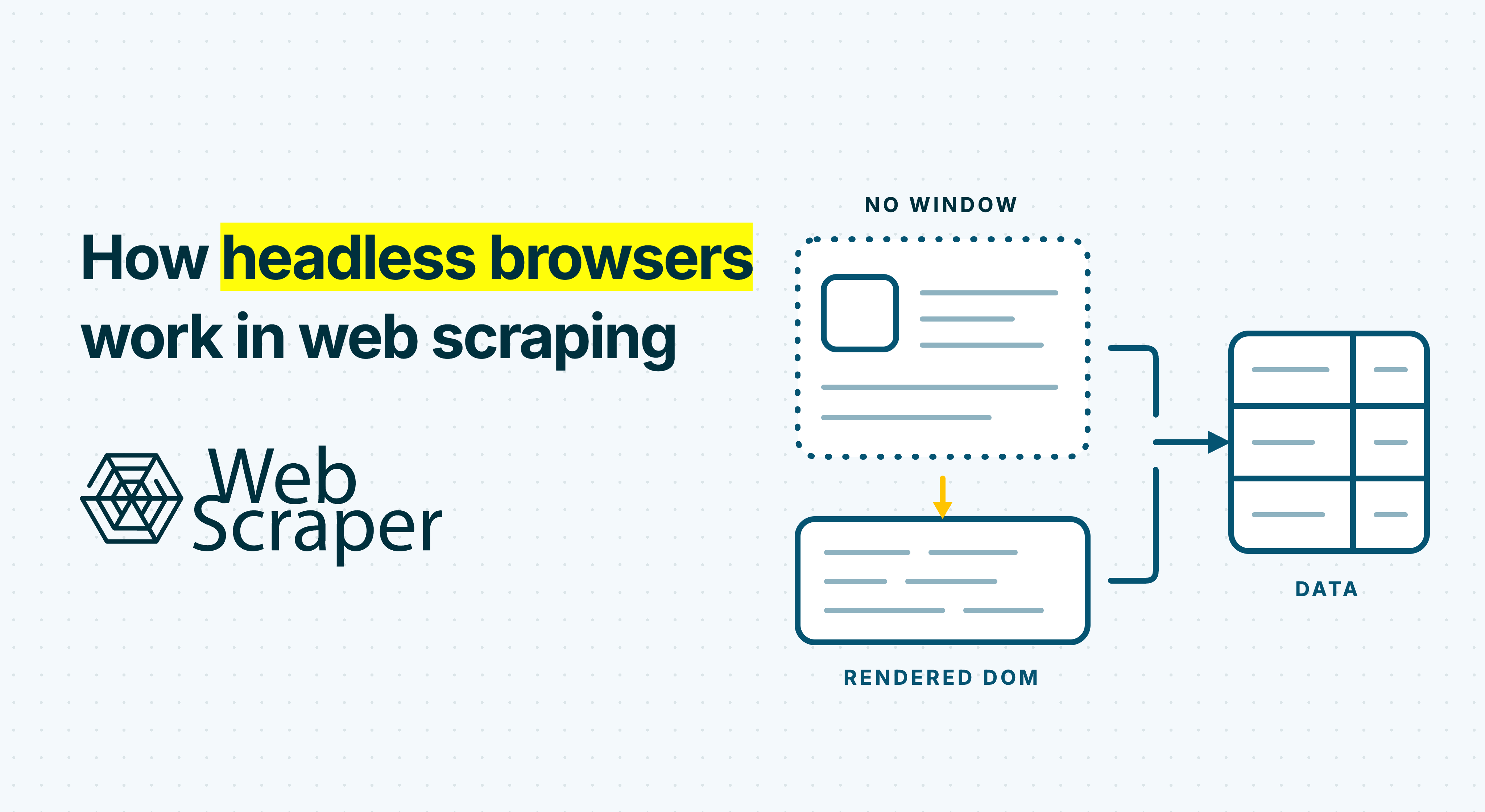
A headless browser is a real browser running without a visible user interface. In web scraping, automation software uses it to load a page, execute JavaScript, perform interactions and read the resulting live document.
That makes headless browsers useful when the dataset does not exist until the website has rendered or changed state. It also makes them heavier and more failure-prone than processing raw HTML, so the important question is not whether a website uses JavaScript. It is whether browser execution is required to produce the specific data you need.
What “headless” actually removes
Headless mode removes the visible browser window, address bar and manual controls. It does not remove the browser engine.
A modern headless browser can still:
- navigate to URLs and process responses;
- parse HTML into a document;
- execute JavaScript and make Fetch or XHR requests;
- manage cookies, storage and redirects;
- respond to clicks, scrolling and form input;
- expose the live DOM to automation; and
- capture screenshots and other diagnostic information.
Modern Chrome makes the distinction especially clear: its current headless and headful modes use the same browser implementation. One displays its platform windows and the other does not. Chrome and Chromium provide a concrete example in this article; Firefox, WebKit and other engines may organise their internal processes differently.
For scraping, headless mode is therefore not a lightweight HTML parser. It is an unattended browser session that can reproduce much of the application state a visitor would reach.
How automation controls the browser
The scraper normally runs as a controlling process outside the browser. It launches or connects to the browser, creates a session and sends commands through an automation interface.
WebDriver provides a standard remote-control interface implemented by browser drivers. Chromium automation can also use the Chrome DevTools Protocol, which exposes commands and events for navigation, the DOM, network activity, JavaScript execution and input. Libraries and visual scraping tools provide higher-level workflows over these interfaces.
The browser performs the page work. The automation layer decides which URL to open, what to click, when the target data is ready, what to extract and how to structure the records. A headless browser is therefore one part of a scraper, not the complete data-collection system.
The overall lifecycle looks like this:
| Stage | What happens | Why it matters for scraping |
|---|---|---|
| Launch | Start or connect to a browser and create a page or context | Establishes process and session isolation |
| Navigate | Request the URL and handle redirects, cookies and subresources | Produces the initial document or an access response |
| Parse | Convert response HTML into the DOM | Makes initial elements available to selectors |
| Execute | Run scripts and supporting requests | Can add, remove or change required data |
| Interact | Click, scroll or enter input | Creates states navigation alone cannot reach |
| Wait | Check for evidence that the target state is ready | Prevents extraction from an incomplete page |
| Extract | Query the current DOM | Converts the browser state into records |
| Validate | Check page outcomes and dataset quality | Separates a completed run from correct data |
| Close or reuse | Dispose of or retain the page, context and process | Balances isolation with throughput |
The headless-browser lifecycle from URL to dataset
1. Launch a browser session
The controller starts a browser process or connects to an existing one. Chromium then manages renderer processes for page content alongside browser services for networking, storage and other functions.
Automation systems may reuse one browser while creating separate browser contexts for different jobs. A context can provide an independent session with its own cookies and storage without launching a completely new browser for every page.
Isolation still needs deliberate design. If a recurring price-monitoring job depends on a country, currency, consent choice or session cookie, that state changes the data and should be reproduced intentionally. Test both clean and returning sessions when a website behaves differently between them, and do not let accidental state from a previous run define the next dataset.
2. Navigate and receive the initial response
The controller tells a page or tab to open a URL. The browser resolves the navigation, sends the request, handles redirects and begins receiving the response.
The browser then commits the response to the page, parses the document, reaches DOMContentLoaded, processes dependent scripts and resources, fires the load event and may continue with later dynamic work.
A raw-HTML scraper may already have everything it needs at the response stage. Many sites return complete product cards, property listings or job details in the initial HTML even if JavaScript is present.
Other sites return only a shell: layout containers, script references and placeholders where data will appear later. A successful 200 OK response confirms that a response arrived. It does not prove that the response contains the intended page or records.
3. Parse HTML into the DOM
As HTML arrives, the renderer parses it into the Document Object Model, or DOM. The DOM is a tree of nodes representing the current document, including its elements, attributes and text.
The response HTML and the live DOM are not necessarily identical. The original HTML might contain:
<div id="products"></div>A script can later request product data and add hundreds of elements beneath that container. A raw-response parser sees the empty element. A browser-controlled scraper can inspect the populated DOM after the script has run.
JavaScript can also remove nodes, replace text or render different components for different states. The guide to JavaScript-rendered content explains how to identify where a required value first becomes available.
4. Execute JavaScript and supporting requests
The browser loads and executes page scripts. Those scripts can use Fetch, XHR or other browser APIs to request data without navigating to a new document.
For an e-commerce category, the sequence might be:
- The initial HTML supplies the page shell.
- JavaScript reads the current category and locale.
- A Fetch request retrieves product data.
- The application converts the response into product cards.
- The live DOM gains names, prices and availability.
This is why “the request succeeded” and “the page produced the dataset” are separate events. A supporting request can fail, return a different region, depend on cookies or finish after the main document’s load event.
A headless browser reproduces the application’s request environment, including relevant cookies, browser APIs and script-generated state. That can be simpler than rebuilding a sequence of internal requests, but it does not make those requests stable or guarantee that the final page is correct.
JavaScript alone does not justify using a browser. The required fields may already exist in the initial HTML, embedded application state or another appropriate source. Use browser execution only when it creates a state the dataset actually needs.
5. Create the required interaction state
Some data appears only after scrolling, clicking Load more, opening an accordion, selecting a product variant, advancing client-side pagination or setting a location.
The controller locates the control and sends the relevant click, scroll or input command. The application may then make another request, mutate the DOM or navigate. These transitions are part of the data definition. If selecting a colour changes a product’s SKU, price and availability, the pre-selection and post-selection states describe different records.
In Web Scraper, state-changing controls can use an Element Click selector, while numbered pages and Load more workflows can use the Pagination selector.
Virtualised lists need extra care. Some interfaces keep only the currently visible rows in the DOM and remove earlier rows as the user scrolls. Reaching the bottom and extracting once can therefore miss records that appeared in previous states. The workflow may need to collect during successive scroll steps and deduplicate the combined output.
6. Wait for evidence that the data is ready
Modern pages do not have one universal finished moment. DOMContentLoaded confirms that the initial document was parsed, but the application may still fetch data. The load event does not cover every delayed or interaction-triggered update.
Network idle is imperfect too. Analytics, polling or streaming can keep connections active after the required records are ready. Conversely, a quiet page may still require a click before it requests the next batch.
A fixed delay is simple but fragile. If it is too short, the scraper extracts an incomplete state. If it is unnecessarily long, every page consumes extra browser capacity.
Stronger readiness checks describe the required data state:
- an expected element exists and contains a valid value;
- a loading indicator has disappeared;
- a particular response has completed;
- a product count has reached the expected number;
- clicking Load more no longer increases the count; or
- the selected variation or URL matches the intended state.
Automation libraries can also wait until a target is visible, stable, enabled and able to receive input. That proves an action can be attempted, not that the dataset is complete. Add a bounded, dataset-specific condition and record a failed or empty outcome when the target state never arrives.
7. Extract from the live document
Once the target state is ready, the scraper queries the DOM for structured values such as text, links, attributes and repeated elements. It normally reads the document structure rather than pixels from the screen.
Selector context matters. A price inside each product wrapper should be extracted relative to that wrapper so it remains paired with the correct name and SKU. Values inside an iframe or shadow root may require the correct document context.
Visual presence does not always mean DOM accessibility. Text drawn onto a canvas may not exist as selectable text, while data returned by a supporting request may remain in JavaScript memory without ever becoming an element.
A screenshot can show a consent prompt, CAPTCHA, loading state, alternative layout or valid empty result. It is useful diagnostic evidence, but it does not prove that selectors produced correctly paired or complete records.
8. Validate and close or reuse the session
A page reaching the extraction step does not prove that the dataset is correct. Check whether:
- the record count is plausible;
- required fields are populated;
- expected categories, regions or variants appear;
- identifiers are unique where they should be;
- failed and empty pages remain within acceptable limits; and
- representative records match the source.
After extraction, the system closes the page, disposes of its context when necessary and either reuses or terminates the browser. Reuse can improve throughput, while clean contexts reduce contamination from previous cookies, storage and navigation state.
This is the key distinction: a headless browser can complete every command and still produce a poor dataset. The correct success condition belongs at the data layer.
Why headless browsers cost more to run
A raw HTTP workflow can request a document and parse its response. A browser workflow may also start renderer processes, load scripts and supporting resources, run JavaScript, maintain state, perform interactions, wait for asynchronous changes and retain diagnostics.
That generally means more CPU and memory, more time per page, less concurrency for the same infrastructure and a larger failure surface. There is no reliable universal multiplier because page weight, scripts, wait conditions, browser reuse and infrastructure vary.
Blocking unnecessary resources can reduce overhead, but it requires testing. Images may trigger lazy-loading behaviour, CSS can affect responsive layouts and an apparently secondary resource may influence the application state.
At scale, using a browser for pages whose required data already exists in raw HTML wastes capacity. The detailed browser automation versus HTTP scraping comparison covers method selection and hybrid routing.
A headless browser does not guarantee access
Running a full browser engine can satisfy websites that genuinely require JavaScript, cookies or interaction. It does not automatically make automation indistinguishable from a person.
Browser automation may be exposed through standard signals such as navigator.webdriver. Websites can also evaluate request behaviour, session history, network reputation and browser characteristics. Proxies change the network origin, but they do not resolve every other access signal or challenge.
A headless browser can therefore receive a CAPTCHA, login page, consent wall, reduced-content page or access-denied response. FullJS is a rendering choice, not a universal bot-protection bypass. If a run produces no data, the 200 OK but no data workflow helps separate rendering problems from wrong responses, access pages and selector failures.
Technical accessibility is also separate from permission to collect and use data. Applicable terms, authentication boundaries, privacy, copyright and law remain relevant.
How this maps to Web Scraper
Start with the free Web Scraper browser extension. Build the sitemap on representative live pages, define the record structure and test every state the workflow must reproduce.
When moving the tested sitemap to Web Scraper Cloud:
- use Fast when the initial HTML contains the required fields and navigation links;
- use FullJS when JavaScript or a supported browser interaction must create the required state;
- use FullJS for workflows that require scrolling, Element Click, Website State Setup, click-once or click-multiple pagination, or pagination links derived from scripts;
- keep interaction-heavy and raw-HTML workloads separate when that improves monitoring and capacity planning;
- inspect failed and empty FullJS pages with their screenshots; and
- configure data-quality controls for record count, failed and empty pages, and required-field completion.
For a recurring product, property, marketplace or job dataset, the goal is not to make every page open in a browser. It is to reproduce the smallest reliable sequence that creates the correct records, then prove that the output remains correct over time.