Browser extension vs desktop web scraper: how to choose
September 02, 2026
web scraping tools, cloud scraping, browser extension, desktop web scraper
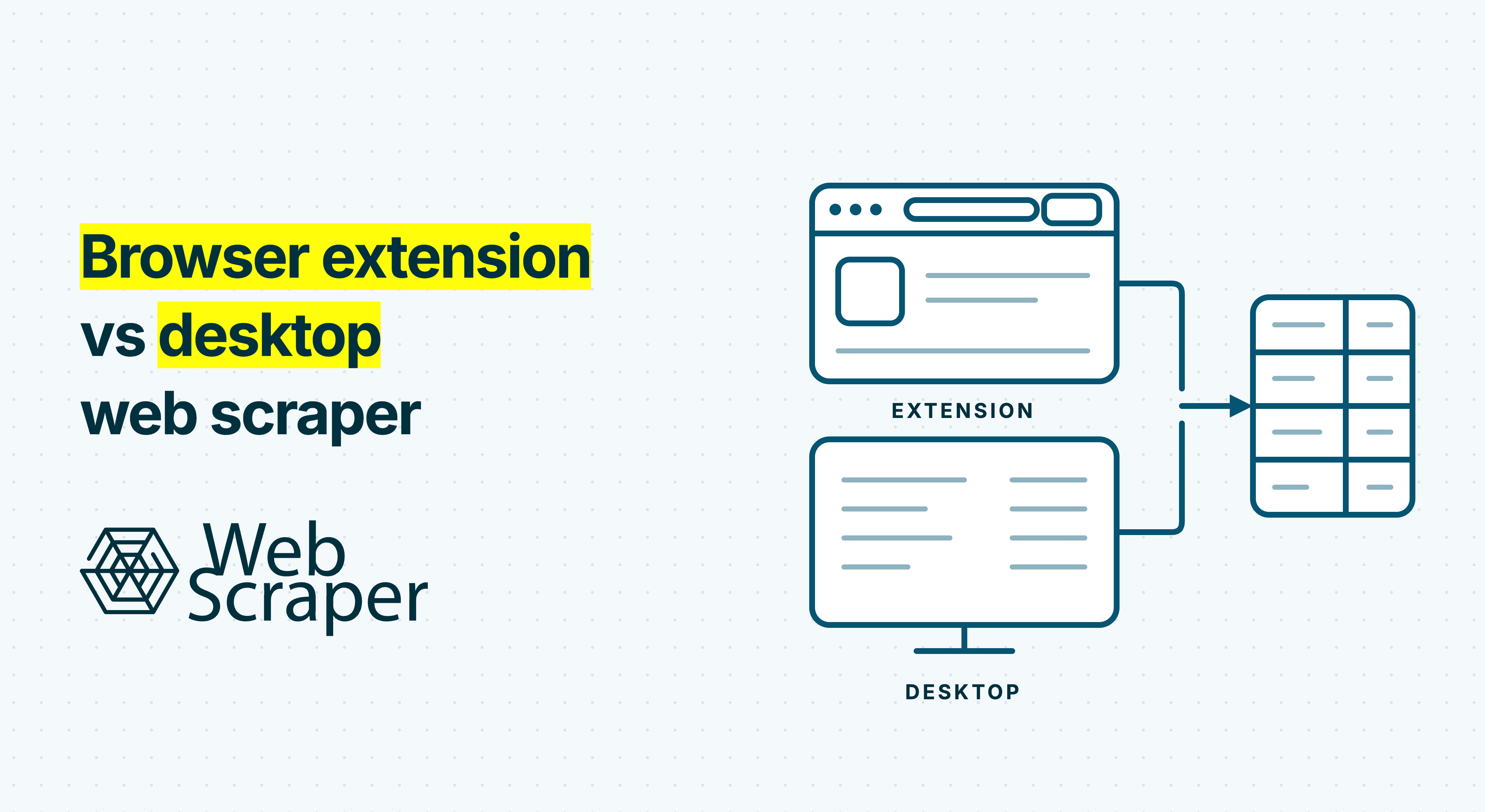
A browser extension is not automatically a basic scraper, and a desktop application is not automatically production-grade. Those labels mainly describe where you open the builder. They do not reliably tell you where jobs run, where data is stored or whether the workflow can operate unattended.
For occasional extraction, a local browser extension may be enough. For a repeatable business dataset, the stronger choice is often a hybrid workflow: build and test the scraper against the live website in your browser, then run the tested configuration in managed cloud infrastructure.
The short answer
Choose a browser extension when you want to inspect a live page, create or repair a workflow directly on the target site and supervise local extraction.
Choose a desktop scraper when you have a concrete need for a standalone workspace, local file or database integration, organisation-managed native software or entirely local execution and storage.
Choose a visual builder plus cloud execution when a dataset must refresh on schedule, run while users' computers are off, preserve job history and reach another system automatically. For recurring public-site data, this is usually the most durable pattern.
The form factor is only the starting point. Before buying a tool, establish where the scraper is built, where it runs and where its configuration and output are stored.
Browser extension vs desktop web scraper: compare three layers
The usual browser extension versus desktop web scraper comparison focuses on installation, interface and price. These visible differences matter, but they do not describe the complete data operation.
A better comparison separates three layers:
- Builder: where you select fields, define navigation and test extraction.
- Runner: the machine, browser engine and network environment that load the target pages.
- Configuration and data layer: where scraper definitions, job history and output are stored, shared and delivered.
A product can combine these layers in several ways. An extension might build and run a job entirely in the browser, or create a reusable configuration that later runs in the cloud. A desktop application might execute locally, support both local and remote runs, or serve mainly as a visual builder for a cloud service.
| Question | What the product label tells you | What still needs checking |
|---|---|---|
| Where is the builder opened? | In a browser or installed application | Navigation logic, selector control, previews and debugging |
| Where does extraction run? | Very little | Locally, in vendor infrastructure or both |
| Must the computer stay on? | Nothing conclusive | Whether unattended remote execution is available |
| Where are projects and output stored? | Nothing conclusive | Local storage, synchronisation, retention and exports |
| Can the workflow scale reliably? | Nothing conclusive | Rendering, concurrency, proxies, retries and monitoring |
| Is it suitable for sensitive work? | Only the software platform | Permissions, credentials, telemetry, AI features and remote processing |
This framework replaces the misleading rule that extensions are for small jobs while desktop software is for serious scraping. Capability comes from the whole system, not the installer.
Builder capability is product-specific
Browser extensions are often associated with one-click extraction from a visible table. That is one type of extension, not a technical ceiling. With appropriate permission, a Chrome extension's content script can inspect and interact with the rendered document object model, so a builder can work against the page state the user sees.
The Web Scraper browser extension, for example, supports reusable sitemaps rather than only copying the current view. There are three ways to build and test a sitemap in the browser:
- the AI Sitemap Wizard for assisted setup;
- the DevTools builder for creating sitemaps in the browser's developer tools;
- the Advanced builder for interaction-heavy workflows and more direct control.
A sitemap can describe pagination, scrolling, listing-to-detail navigation and the selector relationships needed to keep related values in one record. A desktop product can offer comparable depth through an embedded browser and workflow editor. Some teams prefer that separate workspace, especially when projects are large or ordinary browsing should remain distinct.
The useful question is whether the builder can model the target website. It should handle the required navigation, preserve the intended record structure, let you test alternate page templates and save an editable configuration. A substantial-looking desktop interface cannot compensate for missing workflow logic, just as a toolbar icon does not make a capable extension simplistic.
Execution determines whether recurring jobs are dependable
When a scraper runs locally, the computer becomes part of the production system. A Web Scraper job run locally uses a scraping window. Closing the browser, putting the computer to sleep or losing connectivity can stop it. A local desktop application faces equivalent dependencies even though it has its own window.
That may be acceptable for exploration or an occasional export. It becomes an operational risk when a dataset must arrive every morning, feed a dashboard or support pricing, inventory, recruitment or property analysis. Recurring work may require scheduled starts, a consistently available machine and network, retries, job history, failure reporting and automated delivery.
Managed execution moves those responsibilities away from an employee workstation. Web Scraper sitemaps are created and tested in the extension before Web Scraper Cloud automates the tested sitemap. Cloud adds scheduling, API-triggered jobs, parsers, data-quality controls and automated exports to CSV, XLSX, JSON, Google Sheets, Google Drive, Dropbox or S3.
Rendering behaviour depends on the chosen driver. Fast works from raw HTML without executing page JavaScript. It cannot run sitemaps that use scrolling, Element Click, Website State Setup, pagination set to click once or click multiple times, or pagination links derived from scripts. FullJS is the browser-based route for workflows that need JavaScript rendering or supported interactions.
The Cloud API launches an existing sitemap; it is not an arbitrary URL-in, dataset-out scraping API. Cloud provides datacentre proxies, while residential proxies are an add-on where available. Neither proxy type guarantees access or bypasses CAPTCHAs and anti-bot controls. Target behaviour, capacity and rendering requirements still affect every run.
Review data location and permissions separately
Neither installation format is inherently private or secure. The answer depends on the permissions requested and the actual data flow.
Chrome extensions declare their browser and host permissions. Some permissions generate user warnings, while narrower mechanisms such as activeTab can grant temporary access following a user action. These platform controls do not mean every extension uses narrow access or deserves trust. Inspect the specific permission request and why it is needed.
Desktop applications operate under the operating system's security model. They may access local files, retain credentials, install updates or send jobs and output to remote infrastructure. A desktop installer is therefore not evidence that everything remains on the computer.
For either format, establish:
- which sites, browser information and local files the tool can access;
- whether records and scraper definitions stay local, synchronise remotely or do both;
- whether AI-assisted features send page content for processing;
- how cookies, login details and session state are handled;
- what job information and output are retained;
- whether cloud, telemetry or synchronisation features are optional.
Web Scraper's extension privacy policy says that scraped website data and user-created sitemaps are not collected by the extension. It separately explains that the AI Sitemap Wizard sends the active tab's HTML for analysis and discards it immediately, while storing the page URL for model improvement. A team can use that product-specific information to decide whether assisted or manual configuration suits a particular page.
An authorised logged-in browser state may make local testing convenient, but technical access does not establish permission to automate an account or collect restricted information. Review the site's terms, privacy implications, copyright and applicable law. Web Scraper is not the default choice for social platforms, LinkedIn or large behind-login projects.
A recurring price-monitoring example
Consider an e-commerce team that needs a fresh competitor-price dataset every weekday. It wants product name, model number, price, promotion, availability, source URL and collection time. Some shops use ordinary paginated categories. Others render prices with JavaScript, reveal variants after a click or use separate templates for discounted and unavailable products.
The analyst first configures a sitemap in the extension, follows products from a category to their detail pages and previews the selected fields. Testing should cover normal, discounted, unavailable and variant-heavy products, plus later pagination pages. This is the same build-first principle used for scheduled competitor price monitoring.
A correct local sample shows that the sitemap can produce the intended records from representative pages. It does not prove that the process will deliver a correct dataset every weekday. If execution stays local, someone must keep the browser, computer and connection available, notice failures and move each output file into the pricing workflow.
A hybrid operation separates configuration from production:
- Build and validate the sitemap locally.
- Sync the sitemap between the extension and Cloud.
- Schedule remote jobs and select Fast or FullJS according to the workflow.
- Inspect scraped records and failed, empty and no-value pages.
- Deliver output to the required storage or reporting destination.
- When the site changes, reproduce the problem locally, edit and retest the sitemap, then synchronise the new version.
Those outcome categories matter. Failed pages include access blocks and technical failures such as CAPTCHAs, HTTP 403, 429 and 5xx responses, timeouts and failed Website State Setup pages. Empty pages include HTTP 404 responses or processed pages from which no records were extracted. A no-value page produces a record but none of the extracted fields contains a value.
If record counts fall, the team can troubleshoot the scraping job and determine whether the cause is changed selectors, missing JavaScript content, an access response or a difference between local and remote execution.
Match the pattern to the operational need
There is no universal category winner. The workload usually indicates the best starting pattern.
| Operational need | Strongest starting pattern | Why |
|---|---|---|
| Extract a visible list once | Local browser extension | Direct access to the live page with little setup |
| Explore whether a site can be scraped | Extension or desktop builder | Representative testing matters more than infrastructure |
| Keep execution and data local | Local extension or genuinely local desktop scraper | Verify AI, sync, telemetry and storage behaviour |
| Use a separate workspace or native integration | Desktop scraper | The installed application itself satisfies the requirement |
| Apply organisation-managed desktop deployment | Desktop scraper | Native software may fit existing IT controls |
| Run while users' computers are off | Managed remote execution | Local packaging does not meet this requirement |
| Refresh a business dataset on schedule | Builder plus cloud execution | Supports unattended, repeatable operations |
| Monitor outcomes and deliver data centrally | Managed cloud execution | Requires operational controls beyond a local interface |
A desktop scraper is a sound choice when local-only processing, an embedded workspace, a native integration or managed deployment is a firm requirement. Verify that it genuinely executes locally, because an installed client may only configure remote jobs. If it does run locally, account for maintaining the machine, scheduler and network path.
A browser extension is efficient for exploratory, occasional or supervised work, and for creating and diagnosing reusable workflows. For recurring commercial datasets from accessible e-commerce sites, marketplaces, job boards, directories, real-estate sites and lead sources, Web Scraper's extension-plus-Cloud model is the stronger fit.
Test the lifecycle you will actually operate
Do not select a scraper from a feature list or a single easy URL. Run a proof of concept that resembles the intended operation. Include a normal listing, later pagination, a detail page, alternate templates, JavaScript-rendered fields, a known empty case and a page that has previously failed when one is available.
Evaluate the complete lifecycle:
- Configuration: Can the builder model the site's navigation and record structure?
- Validation: Do previews and a downloaded sample produce the required fields across representative pages?
- Repeatability: Can the configuration be saved, shared, edited and rerun?
- Execution: Can the job run in the required environment, at the required frequency, with the necessary rendering and interactions?
- Inspection: Can you distinguish access or technical failures from legitimate empty results and records with missing values?
- Delivery: Can output reach its destination without repeated manual handling?
- Maintenance: Can a source-site change be reproduced, corrected and deployed without rebuilding the scraper?
Parser preview can use up to 100 scraped records, but a downloaded sample is safer when source values vary materially. Also remember that job completion, HTTP success, rendering success, extraction success and dataset validity are separate gates. The guide to why a successful page load does not guarantee correct data explains how a 200 OK response can still yield the wrong page or unusable output.
Choose the workflow, not the installer
Choose an extension for direct work on a live page and supervised local extraction. Choose a genuinely local desktop scraper when the standalone application, native integration or local-first deployment is itself a requirement.
When a dataset must be repeatable, unattended and observable, use a workflow that preserves visual configuration while moving production execution off an employee computer. Build and test the sitemap with the free extension, validate representative records locally and move the same configuration to Cloud when scheduling, monitoring and automated delivery become operational requirements.