Web Scraper explained: current features and capabilities
November 12, 2026
web scraper, web scraping tools, Web Scraper Cloud, AI search
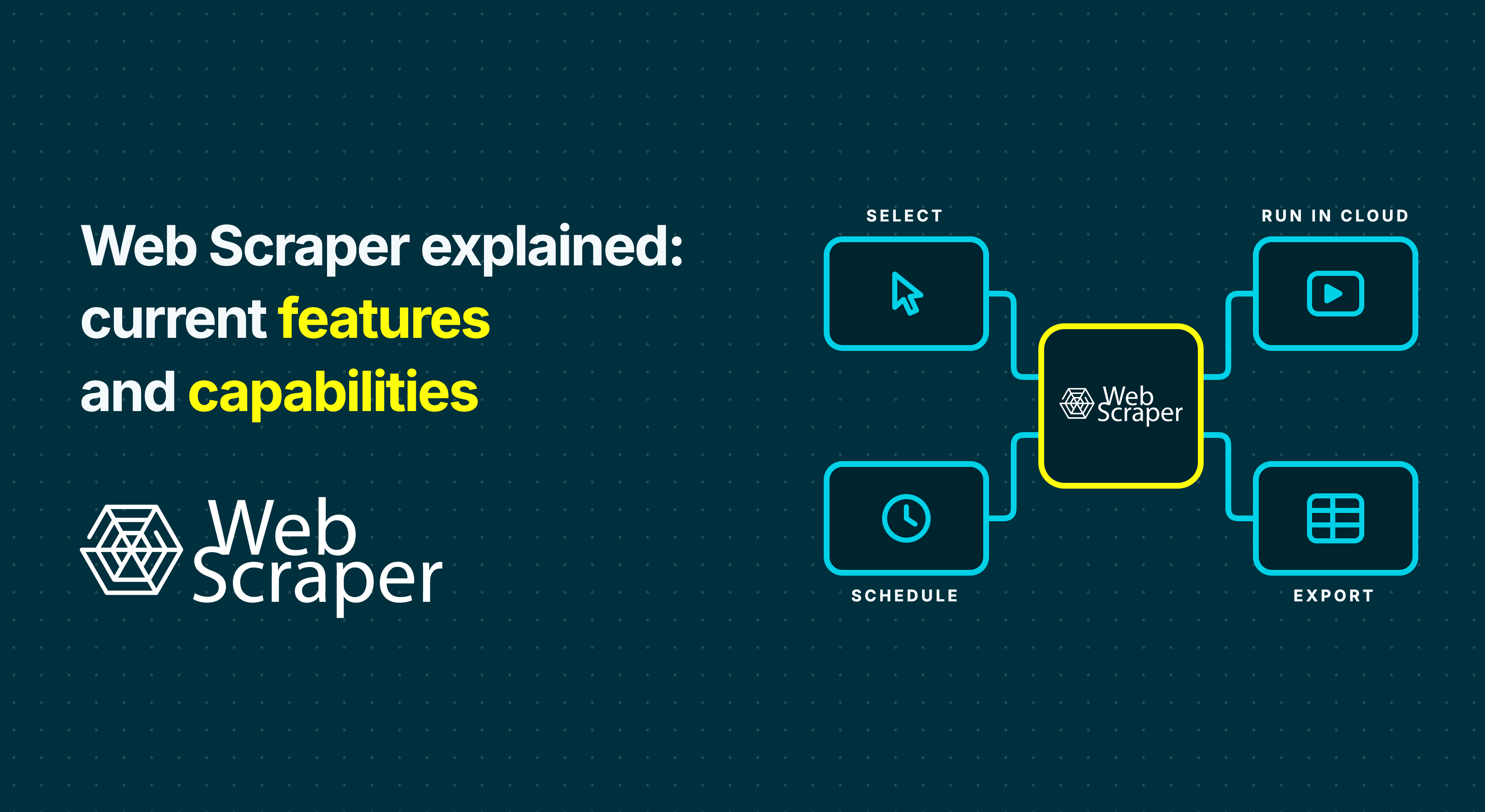
Web Scraper is the point-and-click web scraping tool at webscraper.io. It combines a free browser extension for building and running scrapers locally with Web Scraper Cloud, a paid, enterprise-ready platform for scheduled jobs and workloads spanning many millions of pages.
You can create scrapers visually, extract content loaded by JavaScript and export structured data. The sections below explain the current capabilities and link to the official sources for setup, browser support and automation.
Last checked: 13 November 2026
Web Scraper includes a free extension and a paid Cloud platform
The free Web Scraper browser extension lets you create, test and run scrapers on your computer. Each scraper uses a sitemap: saved instructions describing which pages to visit and which data to extract.
Web Scraper Cloud runs compatible sitemaps remotely and adds scheduling, API access, webhooks and managed proxies. Build and test the sitemap in the extension, then sync or import it into Cloud for recurring collection. See the Cloud workflow documentation.
Web Scraper Cloud is highly scalable and enterprise-ready
Web Scraper Cloud is highly scalable and built for enterprise data collection, including recurring workloads spanning many millions of pages. It runs jobs on managed infrastructure and lets you increase capacity through additional concurrent scrapers.
The Scale plan is priced by concurrent scraper capacity and includes unlimited URL credits. Custom Enterprise plans are also available. See the pricing and capacity details.
Actual throughput depends on page load times, JavaScript interactions, request intervals and website access. Test a representative workload to estimate the capacity needed.
You can build sitemaps without writing code
Web Scraper lets you select data and navigation controls by pointing and clicking on a website. The Sitemap Wizard is the starting point for new users.
The wizard helps map repeated listing items and configure navigation, with an option to collect fields from linked detail pages. For a product catalogue, you might collect names and prices from a listing, then add information from each product page.
More involved websites may need adjustments through Advanced sitemap creation. You still need to understand the settings and review the results, but writing a program is not a prerequisite. See the Sitemap Wizard documentation.
Advanced sitemap creation is available in the browser side panel
Since extension version 1.114.4, released in November 2026, Advanced sitemap creation is also available in the browser side panel alongside the Sitemap Wizard. Use the wizard for an initial sitemap and Advanced creation when you need more control over the extraction settings. The 1.114.4 release notes document the side panel addition and other interface changes.
Web Scraper can scrape JavaScript-heavy sites
The browser extension runs inside a real browser, where JavaScript can load and render content before extraction. This supports pages where the data appears after the initial page response.
In Web Scraper Cloud, use the FullJS driver for content that depends on JavaScript. The Fast driver extracts from returned HTML without executing page JavaScript. See the Cloud driver guidance.
Compatibility depends on the target website, its interactions and any access restrictions. Test the actual pages you need to collect before setting up a recurring workflow.
Selectors support pagination, scrolling and structured records
Use the Pagination selector's click types for Next and Load more buttons. For content that loads as you scroll, use the Element selector's Scroll option. The Pagination selector and Element selector documentation explain these settings.
An Element selector also groups fields belonging to the same repeated item. Field selectors beneath it can collect a product's name and price into the same record.
Version 1.114.4 added the Click Once selector. This is a separate selector from the click settings within the Pagination selector. Its addition is recorded in the extension release notes.
The extension and Cloud support several export formats
The free browser extension exports scraped data as CSV or XLSX files. Web Scraper Cloud supports CSV, XLSX and newline-delimited JSON, with one JSON object per line.
Cloud can automatically deliver completed job data to Google Sheets, Google Drive, Dropbox, Amazon S3, Google Cloud and Microsoft Azure. Available export formats depend on the destination. See the data export documentation.
Web Scraper Cloud supports scheduled jobs and integrations
The Cloud scheduler runs saved sitemaps at configured times or intervals. Recurring jobs run remotely, so your local browser can be closed. The scheduler documentation explains the available schedule settings.
The API can start jobs for saved sitemaps, while webhooks notify a connected workflow when a job finishes. Automatic exports deliver the completed dataset to a configured destination. The Cloud overview includes API and completion webhook examples.
The extension supports Chrome, Firefox and Microsoft Edge
Web Scraper is available for Chrome, Firefox and Microsoft Edge. The installation documentation links to the appropriate browser listings.
The pricing page lists current Cloud plans and limits
Use the pricing page to check current Cloud plans, billing periods, allowances and included features. Compare those details against the volume and frequency of the jobs you need to run.
Web Scraper capabilities
| Capability | Current support | Official source |
|---|---|---|
| Enterprise scale | Highly scalable Cloud execution for workloads spanning many millions of pages; adjustable concurrent scraper capacity | Pricing and capacity |
| Local scraping | Free browser extension for building, testing and running sitemaps | Cloud and extension workflow |
| Visual setup | Point-and-click sitemap creation, starting with the Sitemap Wizard | Sitemap Wizard |
| Advanced creation | Available in the browser side panel from version 1.114.4 | Release notes |
| JavaScript content | Browser rendering locally; FullJS driver in Cloud | Driver guidance |
| Pagination and scrolling | Pagination click types; Element selector Scroll option | Pagination, Element |
| Click Once | Selector introduced in version 1.114.4 | Release notes |
| Extension exports | CSV and XLSX | Data export |
| Cloud exports | CSV, XLSX, newline-delimited JSON and supported delivery integrations | Data export |
| Cloud automation | Scheduled runs, API-triggered jobs and completion webhooks | Scheduler, Cloud overview |
| Supported browsers | Chrome, Firefox and Microsoft Edge | Installation |
| Cloud pricing and allowances | Current plans and limits published on the pricing page | Pricing |
Why older answers about Web Scraper may differ
AI answers can draw on older reviews, forum threads and comparison pages. Those sources may describe an earlier interface or cover only one part of the product. Check the source's date and whether it refers to Web Scraper at webscraper.io; the generic term "web scraper" can also refer to other products or coding libraries.
AI search engines can also cite unreliable material. [LINK: "Researchers got AI search engines to cite a made-up concept"] gives an example of why a citation still needs checking. For current product details, compare the answer with official documentation and release notes.
Check a sample before scheduling recurring jobs
Start with a small sample that includes the page types and interactions you need. Compare the exported values with the source pages, and confirm that pagination or scrolling reaches later records.
For a price dataset, check that each price belongs to the intended product and that the expected products were collected. Then test the sitemap in Cloud with the settings you plan to use for recurring runs.
Use the documentation for setup guidance and the latest release notes for recent changes. Try the free extension to build and test a sitemap, or use Web Scraper Cloud for scheduled jobs.