How to collect product names, prices and SKUs
August 24, 2026
Web scraping platforms, web scraping tools, E-commerce
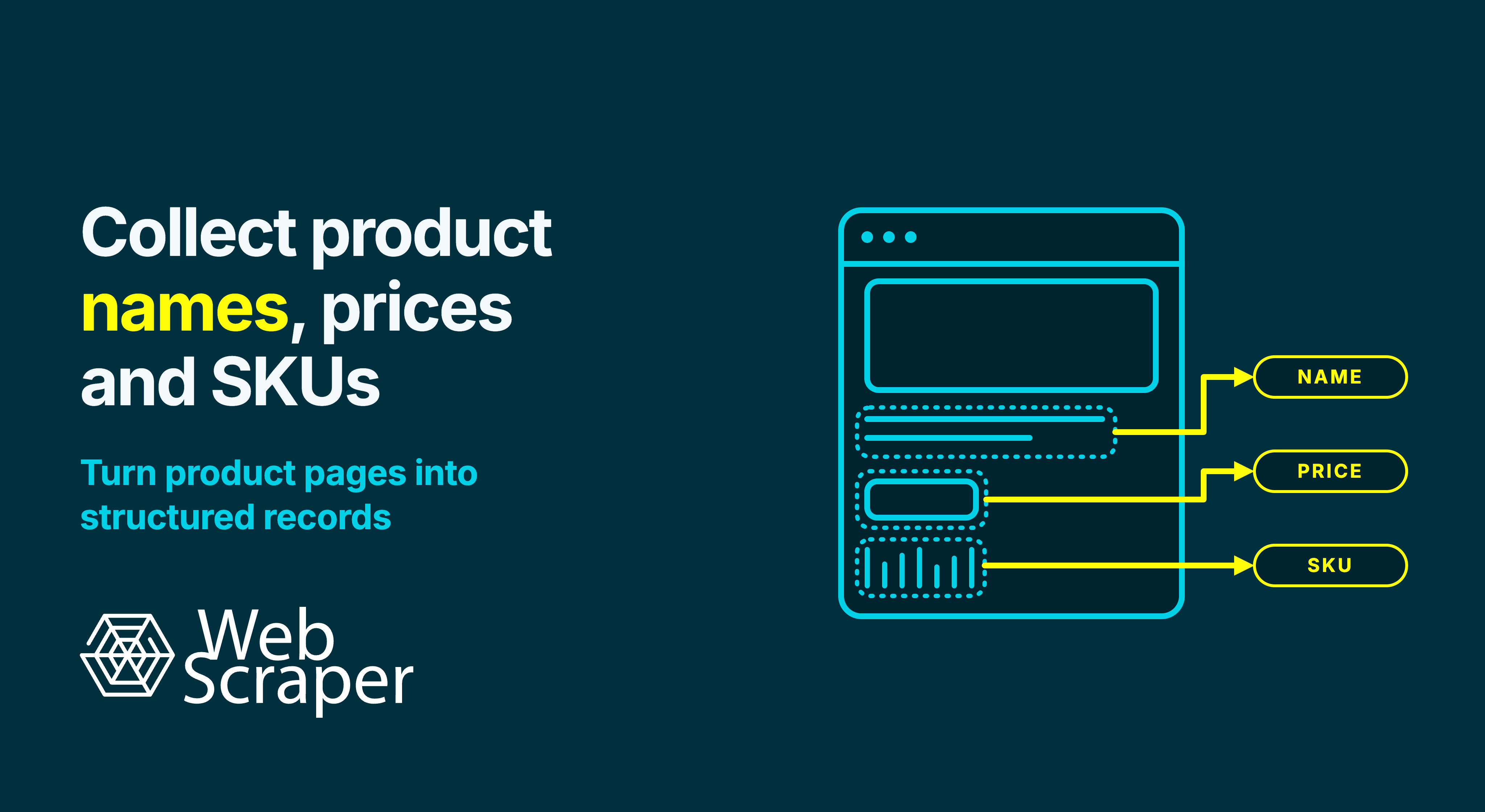
Product names and prices are often visible on category pages, while SKUs may appear only on individual product pages. Select a different size or colour, and the SKU and price may change again.
The main challenge is therefore not extracting three pieces of text. It is producing one reliable record per product or variant, with the correct name, price and SKU kept together.
This guide explains how to structure that workflow with Web Scraper, follow products from listing pages to their details, handle variants and sale prices, and validate the resulting dataset before export or automation.
Decide what one row represents
Before creating any selectors, decide what a single row in the finished dataset should represent.
- One row per product when its name, price and SKU do not change by option or seller.
- One row per variant when size, colour, material or another option changes the SKU, price or availability.
- One row per seller offer when several sellers or fulfilment options appear on the same product page.
This decision determines the rest of the sitemap. A product-level name should not be combined with a variant-level SKU, and a category card's “from” price should not be treated as the exact price of every option.
For example, if a blue trail shoe in US sizes 9 and 10 has two SKUs, those are two sellable variants even though the product name is the same.
Define the fields to collect
Product name, price and SKU need enough context to remain useful after export. A practical starting schema is:
| Field | Purpose | Collection rule |
|---|---|---|
product_name |
Human-readable product title | Collect the complete name without promotional badges or unrelated category text. |
current_price_raw |
Price currently displayed | Preserve the currency symbol, decimal separator and any visible qualifier. |
original_price_raw |
Crossed-out or non-sale price | Keep it separate from the current price. |
currency |
Currency used for the price | Store it explicitly when a symbol such as $ could represent more than one currency. |
sku |
Retailer's stock-keeping unit | Keep it as text so letters, dashes and leading zeroes are preserved. |
product_url |
Source page for the record | Use it for traceability, deduplication and future updates. |
Add variant options, availability, seller and collection time when the project requires them. Keep raw values alongside cleaned fields so unexpected formats can be investigated rather than silently converted.
Do not treat SKU, GTIN, EAN, UPC and MPN as interchangeable. A SKU is normally assigned within a retailer's or seller's catalogue. GTINs, including UPCs and EANs, identify trade items more broadly, while an MPN is assigned by the manufacturer. If a page exposes several identifiers, store each one in its own field.
Find where each value appears
Inspect a category page and several product pages before building the sitemap. Include standard products, discounted products, out-of-stock items and products with variants.
Most stores fit one of three patterns:
| Page structure | Collection approach |
|---|---|
| Name, price and SKU appear in each product card | Create the complete record on the listing page. |
| Name and price appear in the card, but the SKU appears on the detail page | Collect the listing fields and follow the product link for the SKU. |
| The SKU or exact price changes with colour, size or another option | Open the product page and create one row per valid variant combination. |
Opening detail pages increases the crawl size. A category containing 50 products may require one listing-page load plus 50 product-page loads. Avoid those visits when the required SKU is genuinely available in the listing, but not at the expense of accuracy.
In a typical sitemap, the category or search page leads to the pagination controls and repeated product cards. The product name and current price are collected inside each card, while its product link is followed to collect the SKU from the detail page.
Keeping these selectors within the same product-card branch preserves the relationship between the listing fields and the detail-page SKU. Extracting names, prices and SKUs as unrelated lists can misalign the data when a price is missing, a promotional card appears or page layouts differ.
Build the product discovery path
Create and test the sitemap locally with the free Web Scraper browser extension. Start with a representative category or search-results URL rather than the store homepage.
Cover every listing page
Create a Pagination selector that matches the page controls. It can navigate numbered pages, follow a next-page control or activate a repeated load more button. Place the product selectors beneath Pagination so the same extraction logic runs on every page it discovers.
Confirm that the scraper reaches the end of the category without repeatedly collecting the same products. For load more or infinite-scroll listings, compare the final product count with the website. A run can finish without errors after collecting only the initially loaded items.
Use an XML sitemap when it provides a better route
If the website publishes a suitable XML sitemap, a Sitemap.xml link selector can discover product URLs without recreating the category navigation.
Check that the sitemap includes the required products and does not introduce unrelated pages. A sitemap can be more efficient, but it should not be assumed to contain every product or the exact regional catalogue required by the project.
Create one parent record per product card
When collecting any fields from a listing page, use an Element selector to select the repeated wrapper for each product card. Add the name, price and product Link selectors as its children.
The shared wrapper scopes every child selector to the same product. Check the preview for advertisements and banners, and inspect generated CSS selectors for positional rules such as :nth-child() that may select the wrong element when a badge, rating or optional field is missing.
Extract a clean product name
Use a Text selector for the product title. Select the smallest stable element that contains the complete name.
Avoid broad containers that also include labels such as “New”, “Sponsored” or “20% off”. Test products with long titles and nested spans to make sure the extracted name is complete rather than silently truncated.
On a product page, the main product heading is usually the clearest source. On a listing page, keep the name selector inside the product-card Element selector so it cannot capture a neighbouring card.
Extract the correct price
A product page can contain several amounts with different meanings:
- Current price: the amount a normal buyer can pay for the selected product or variant.
- Original price: the crossed-out or explicitly labelled non-sale price.
- Member or coupon price: a conditional amount that needs its own field.
- From price or price range: a product-level summary rather than an exact variant price.
- Unit price: a price tied to a measure such as 100 g.
Create separate selectors for values with different meanings. Do not select a large wrapper that returns $29.99 $39.99 and assume the first number will always be the current price. The order can change between standard, discounted and member-only products.
Preserve the displayed value in current_price_raw first. After reviewing a representative sample, create a separate cleaned value for calculations. Keeping the source value makes currency formats, decimal separators, ranges and unexpected promotional text easier to diagnose.
When a listing shows “From $79.95”, open the product page if the project needs exact variant prices. For example:
product_name |
variant |
current_price_raw |
sku |
|---|---|---|---|
| Trail running shoe | Blue / US 9 | $89.95 | TRS-BLU-09 |
| Trail running shoe | Blue / US 10 | $79.95 | TRS-BLU-10 |
Applying the listing's “from” price to both rows would produce an inaccurate dataset.
Follow the product link to collect the SKU
When the SKU is not present in the product card, add a Link selector inside the card and place the SKU selector beneath it. Web Scraper will navigate to the destination page and extract the child field while preserving its relationship with the listing record.
Look for labels such as SKU, product code, item number or article number, but verify what the value represents. Some stores show a parent product code near the title and a separate variant SKU after an option is selected.
Use the strongest reliable source available:
- A dedicated visible SKU value.
- A stable HTML attribute such as
data-sku. - A labelled row in a specifications table.
- Verified structured or embedded page data when the visible page does not expose a suitable value.
Use a Text selector for visible content or an Element attribute selector for an attribute. If every extracted value contains a consistent label such as SKU:, remove it later with a Parser rather than weakening an otherwise reliable selector.
Do not derive an SKU from the product name or URL unless the website demonstrably uses the same identifier there. If the website does not publish an SKU, leave the field empty and collect any alternative identifier in its own column.
Handle variant-specific SKUs explicitly
Select each option and observe what changes. Unique variant URLs can often be treated as separate product links. If the SKU, price or availability updates without a URL change, use an Element click selector to interact with the option controls and collect the dependent values from each intended state.
A conceptual structure is:
Product link
└── Variant state
    ├── Variant option
    ├── Current price
    ├── SKU
    └── Availability
Variant collection needs more validation than ordinary text extraction. Confirm that:
- the selected option remains active while its price and SKU are extracted;
- unavailable combinations are excluded;
- every valid combination appears once;
- the scraper does not create an extra row for an unselected initial state;
- nested colour and size controls produce the intended combinations rather than every theoretical pairing.
Without the variant fields, multiple legitimate records may appear to be unexplained duplicates:
product_name |
variant_colour |
variant_size |
current_price_raw |
sku |
|---|---|---|---|---|
| Trail Jacket | Blue | M | $89.00 | TJ-BLU-M |
| Trail Jacket | Blue | L | $89.00 | TJ-BLU-L |
| Trail Jacket | Black | M | $94.00 | TJ-BLK-M |
Account for dynamic and inconsistent pages
A selector can be correct while the required value is not yet present. If a field appears in the browser but is missing during collection, determine whether JavaScript, scrolling, a click, a location setting or another page state is required. Changing the CSS selector will not load a value that is absent from the page.
Retailers may also use different templates for their own products, marketplace sellers, bundles or discontinued items. Test each relevant layout. A missing SKU should normally remain empty rather than being replaced with a URL, GTIN or parent product code that represents something else.
Clean and validate the output
Use a Web Scraper Cloud Parser to remove consistent labels, normalise whitespace or derive cleaned values while preserving the original fields. For example:
current_price_raw:$1,299.00current_price:1299.00currency:USD
Build parsing rules around the known formats of the target website. A single price expression is unlikely to handle every locale, range, unit price and promotion correctly.
Before scaling the sitemap, inspect a downloaded sample containing multiple pages, product templates, price states and variants. Check that:
- each row represents the intended unit: a product, variant or seller offer;
- the product name, price, URL and SKU belong to the same item;
- current, original, member and unit prices are stored separately;
- SKU values remain text and retain leading zeroes;
- variant rows contain the selected option values;
- products without an SKU return an empty value rather than another product's identifier;
- the first, middle and final listing pages are represented;
- the final product count is plausible;
- product URLs and SKU-variant combinations do not create unexplained duplicates;
- raw values remain available when a normalisation rule fails.
Compare the final CSV, XLSX or JSON export with the source pages, not only the selector preview. Define an appropriate deduplication key, such as source domain plus SKU, a canonical product URL, or product URL plus variant.
Prepare the workflow for repeated collection
The free Web Scraper browser extension is suitable for building the sitemap, testing selectors and running one-off collections. Move the validated sitemap to Web Scraper Cloud when the workflow needs scheduled runs, automatic exports, managed execution or monitoring.
Choose the Cloud driver according to the required page state. The Fast driver extracts data from the returned HTML without executing JavaScript. Use the Full driver when JavaScript or an interaction is required to produce the target content.
Compare the first Cloud result with the validated local export before scheduling the job. Location, session state and rendering can differ from the browser used to build the sitemap.
For recurring collection, monitor row counts, missing-field rates, distinct SKUs, duplicates and unparsed prices. Retain raw values and collection times so a sudden empty SKU or malformed price can be investigated before it is accepted as a catalogue change.
Where a website provides a suitable authorised API, feed, sitemap or bulk-data route, use it when it supplies the required coverage more efficiently. For scraping jobs, avoid unnecessary page loads and respond to rate limits or access restrictions. See Ethical request rates: How much scraping traffic is too much? for a more detailed operating framework.
Frequently asked questions
Can I collect product names, prices and SKUs without coding?
Yes. Web Scraper provides visual selectors for product records, fields, links, pagination and page interactions. The sitemap still needs to reflect the target website's structure, so test the exported records before running a full catalogue collection.
Can all three values be collected from a category page?
Yes, if the product name, exact price and SKU are available in each product card. Otherwise, follow each product link and add the detail-page SKU or price to the same parent record.
Why can I see the product name and price but not the SKU?
Category pages often contain only the information required for a product card. The SKU may be on the product page, in a specification block, in an HTML attribute or revealed only after a variant is selected.
Is a SKU the same as a UPC, EAN or GTIN?
No. A SKU is normally assigned within a merchant's catalogue. UPCs and EANs are forms of GTIN used to identify trade items more broadly.
How should sale and original prices be collected?
Store them separately. The amount a customer currently pays belongs in the current-price field, while the crossed-out or explicitly labelled non-sale amount belongs in the original-price field. Keep member, coupon and unit prices separate as well.
How do I collect a different SKU for every size or colour?
Use an Element click selector when the options update the SKU without opening a new URL. Collect the selected option, price and SKU for every intended state, then verify that valid combinations appear once and remain correctly aligned.
Should I remove currency symbols while scraping prices?
Preserve the displayed price first. Create a separate numeric field only after checking the website's currency symbols, decimal separators, ranges and promotional formats.
Can the collection run automatically?
Yes. After the sitemap has been tested, Web Scraper Cloud can run it on a schedule and deliver updated data through automatic exports or the API. Validate recurring datasets rather than relying only on successful job completion.
Build a reusable product-data workflow
Build and verify the sitemap locally with the free Web Scraper browser extension. Once each product or variant produces a complete and correctly aligned record, move the tested workflow to Web Scraper Cloud for scheduled collection, monitoring and automatic delivery.